 Formsafe Contact Form
Placing a contact form with a shortcode
A shortcode is a short tag in square brackets that WordPress replaces with the form. It works in the classic editor, in a Shortcode block, in widgets and in most page builders. For Formsafe Contact Form it's [formsafe id="3"], where 3 is the form's number.
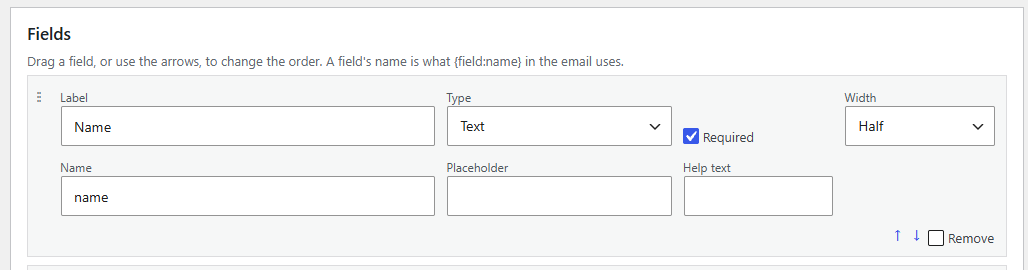
Finding the right id
Open Formsafe → Forms. Each form in the list shows its shortcode ready to copy, and the name of the block for the block editor. The id doesn't change when you rename a form or edit its fields, so pages that use it keep working.
Without an id
A bare [formsafe] shows your oldest active form — on a fresh install, the Contact form that activation created. It's handy for a quick start, but give the id once you have more than one form, so adding a new one never changes what an old page shows.
Where shortcodes work
- Block editor — use the Shortcode block, or better, the Formsafe Form block.
- Classic editor and widgets — paste it on its own line.
- Page builders — most have a shortcode or text element.
- Theme templates — a developer can use
do_shortcode().
If the form is missing
If the id points to a form that's been deleted or is in the trash, visitors see nothing rather than a broken fragment — and logged-in editors see a short note saying so, with where to fix it. If a form can't be drawn for some other reason, the page still loads; the form simply isn't there, and editors see why.
Two forms on one page
You can place several forms, or the same form twice, on one page. Each copy gets its own element ids, so labels, error messages and the thank-you message stay attached to the right form.
What comes with it
Wherever the shortcode renders, Formsafe adds its small stylesheet and script to that page only. The form itself is plain HTML from the server, so it works without JavaScript and behind page caching — see page caching.
Formsafe Contact Form is a free contact form that saves every entry before it sends anything, and shows you what happened to each email.
See what it does